
Collect every photo your guests take.


For the gathering you're planning
One private gallery. Your guests add the photos.


How it works
Your guests will take the photos. InvitePix gathers them into one private gallery, so you are not chasing people afterward.
1. You
Set it up when you are ready
Create the gallery whenever you like. Share a link, a QR code, or both.
2. Guests
They add photos from their own phone
They open your link or scan the QR code. It opens in the browser. No app to install, and no account to create.
3. After
The photos are together
As guests add photos, they show up in your private gallery. You get one place to see them, instead of chasing them through group chats.
Guests point the phone camera at the QR code. No app store.
invitepix.com/sophie-and-evan
Tap to open in browser

50 free photos. No credit card.
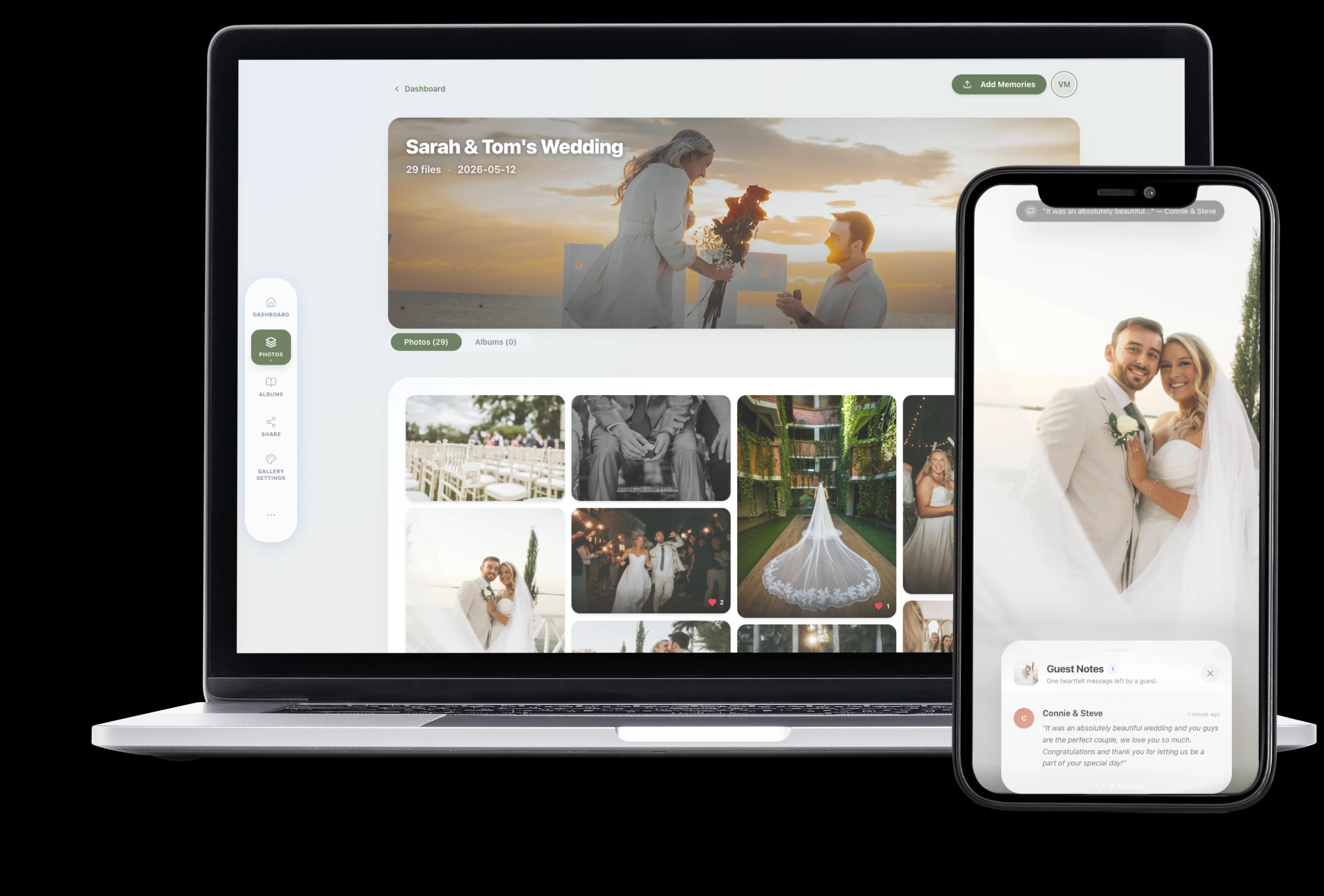
Every angle, in one private gallery
You know how after an event, photos end up scattered across group chats, Google Photos links, and random AirDrops? And half of them are compressed to nothing? InvitePix puts everything in one private gallery that fills up as guests upload. You don't have to chase anyone down.
The next morning, your gallery is waiting for you:
- All in one place: Every photo and guestbook note from every guest. Video is included with Celebration and the Multi-Event Bundle.
- Full quality: Original resolution, no compression, view or download from any device
- Completely private: Only people you share the link with can see it
After the event, share it your way
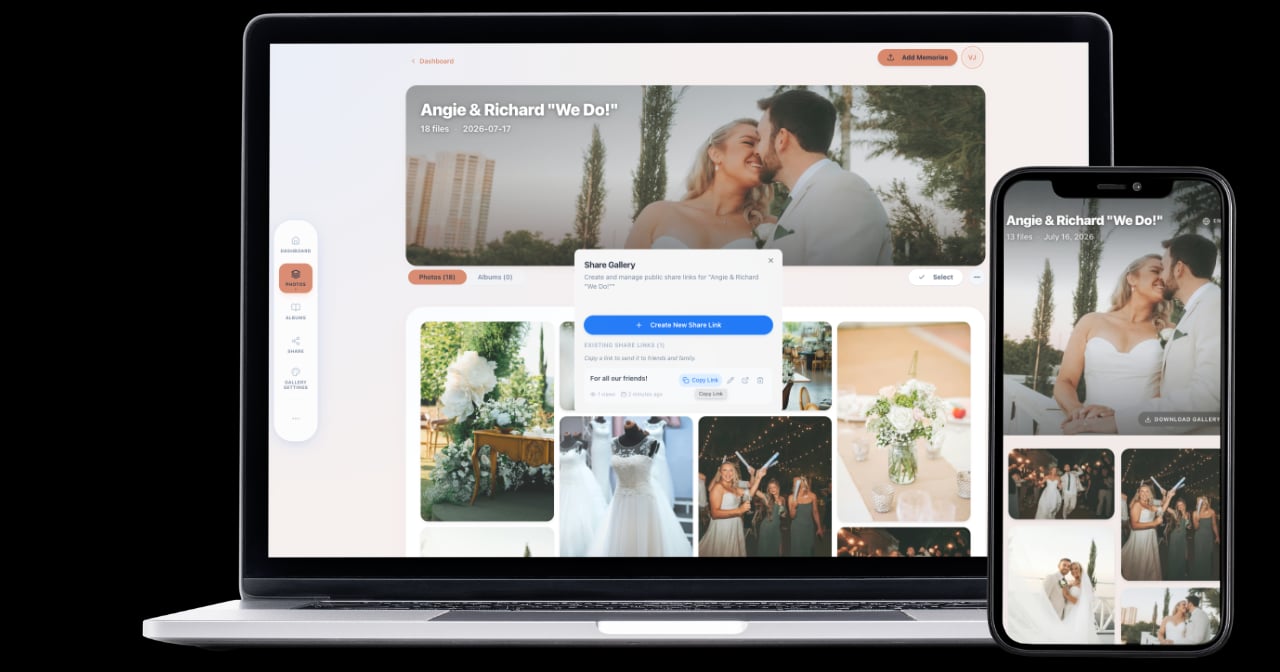
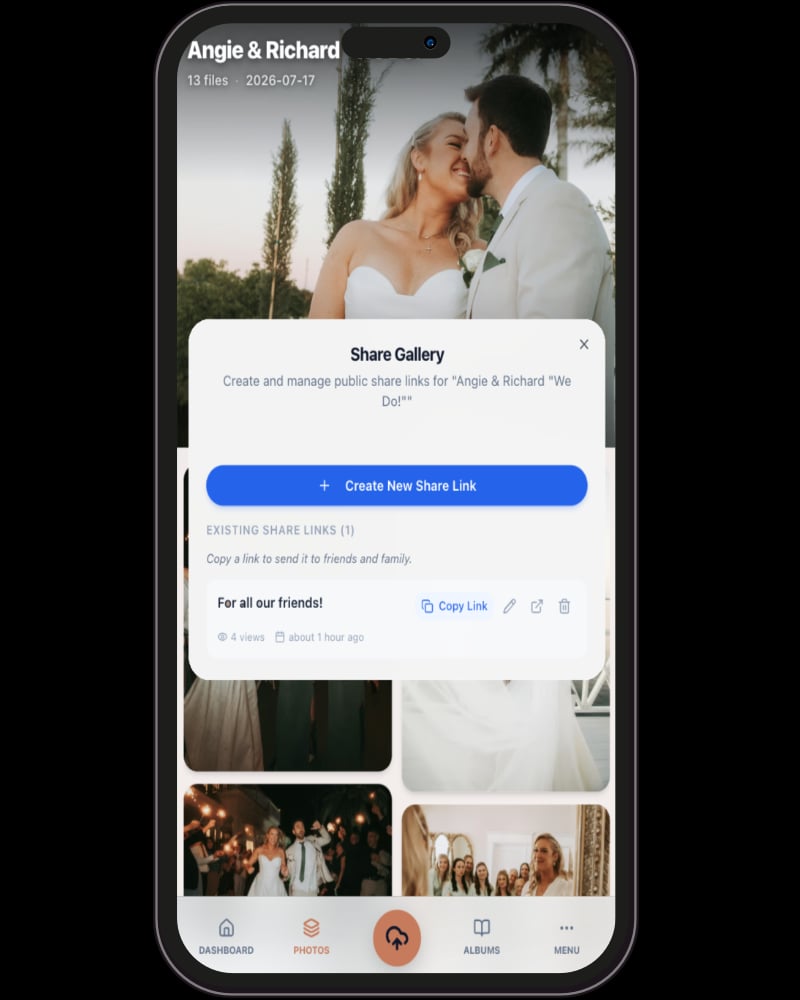
Guest photos are private to you until you're ready to share. When the time comes, make albums, pick your favorites, and send a private link to the people you choose. They can view everything and download what they want. No account needed on their end.
What you actually get
Every photo in one place
Every photo, video, and written note from every guest ends up in a single gallery. No more texting people 'can you send me that photo?' for the next two weeks.
Better than a group chat or a Google Photos link
Group chats compress your photos. Google Photos albums require a login. Hashtags are public. InvitePix is a private gallery where guests upload full-quality photos through a QR code. No app, no account.
Photos show up while the party is still going
You don't have to wait until the next morning. New photos appear in your gallery within seconds as guests upload them. You'll see moments you didn't even know happened.
Share with family who couldn't be there
Create albums and send a private link to anyone you want. They can view and download photos without logging in or installing anything.
Make it look like your event
Pick your colors, choose a cover photo, and make the gallery feel like yours. Guest messages are private and visible only to you.
Simple one-time packages
Guest photo galleries from $29 USD
Memories, Celebration, and Bundle. No app for guests. Private galleries. Pick the plan that fits your event.
See packagesEvent planning resources
Guides and comparisons to help you pick the right guest photo setup.
Wedding photo guides
How to collect guest photos and videos on your wedding day.
Quinceañera planning
Keep your 15th birthday memories in original quality.
Compare photo options
QR galleries, shared albums, and other tools. See who each option fits.
Digital guestbook guide
How to use InvitePix as a modern digital photo guestbook for candid wedding memories.
InvitePix Event Photo Sharing: Frequently Asked Questions
What is InvitePix and how does it work?
InvitePix is a browser-based event photo-sharing gallery and digital guestbook platform designed to allow guests to upload original-quality photos, videos, and guestbook messages via QR code. No app downloads or accounts are required for guests to share.
How is InvitePix different from a shared album (like Google Photos) or a WhatsApp group?
InvitePix is a private browser-based photo-sharing platform that is an alternative to shared albums or group chats that often compromise on privacy and resolution.
- No Google accounts or mandatory app downloads. It's a simple, browser-based upload process.
- Your gallery is a private gallery you control, not a generic shared folder.
- We preserve the high-resolution quality of your photos. Messaging apps often compress images and videos heavily.
- All memories are in one beautiful place, organized by your event, ready for instant download.
What kinds of events is InvitePix for?
InvitePix is perfect for any event where you want to collect photos, videos and/or guestbook messages from your guests into an organized and private event gallery. This includes weddings, quinceañeras, anniversaries, festivals, and corporate events. It is also a fantastic solution for baby showers, family reunions, vacations, birthdays, or any gathering.
Do my guests need to download an app or create an account?
No. Guests scan the QR code with their phone camera, or tap your link, and upload in their devices browser. No guest apps to download, no guest accounts to create.
Is it easy for non-tech-savvy guests to use?
Yes! Your guests only need to scan a QR code or tap a link to open your gallery's upload page and begin sharing their photos, videos, and messages with you!
Are the photos and videos my guests upload private?
Yes. Your gallery is private by default. Your gallery is only accessible by you. From your gallery settings you have the option of creating a public gallery so that your friends and family can also view your photos and videos. You are always in full control.
Can I use InvitePix as a digital guestbook?
Yes! Your guests can share photos, videos and guest books messages. Guests have the option of adding their name and message to their uploads or sending just a message. Whichever they choose those names and messages arrive in your gallery.